pusoy dos Cashout Pending: From Withdrawal Request to E-Wallet Credit
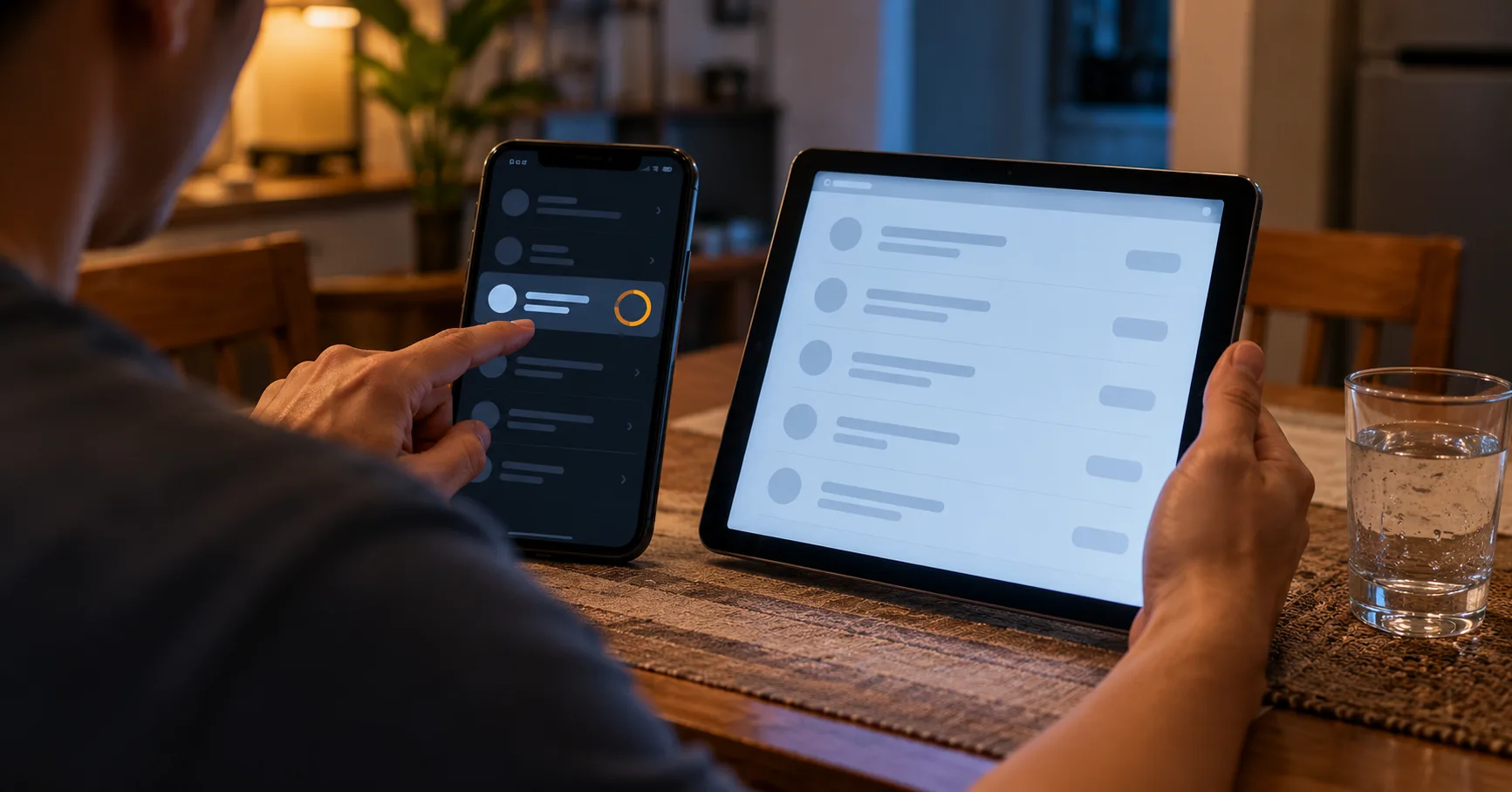
Your pusoy dos withdrawal appears in the cashier, but the money has not reached the e-wallet you planned to use for tonight’s expenses. Opening GCash or Maya again does not explain where the payment sits. The useful question is which part of the withdrawal has actually finished.
A request recorded by the gaming account, a payment released to a transfer provider, and a credit received by your wallet are different events. Read each status against its definition in the cashier help page. A reassuring label alone does not establish that spendable money has arrived.
This walkthrough follows that gap from submission through verification to receipt. Keep your withdrawal history open alongside the receiving wallet’s transaction history, preferably on a stable connection.
The receipt starts with a request reference
Suppose you request PHP 2,000 after a pusoy dos session and your mobile data drops immediately after submission. A loading screen cannot establish whether the request reached the server. Reconnect and inspect withdrawal history before touching the submit button again.
A new entry with an amount and request reference is stronger evidence than the interrupted screen. However, it still records a request rather than a completed transfer. Save the reference privately, together with the destination and the status displayed.
- Open withdrawal history after reconnecting, and look for the PHP 2,000 request before attempting another submission or changing the payout destination.
- Compare the recorded amount with your intended cashout, and check whether the available balance already reflects a deduction or reservation.
- Confirm the masked destination matches your own GCash or Maya account, if that wallet appears among the cashier’s supported withdrawal methods.
- Save the request reference and submission time privately, then read the help page’s definition of the status attached to that entry.
- If no entry appears but funds remain deducted, ask support to locate the attempted request before you repeat the withdrawal.
The distinction matters when playing late at night on an unstable connection. Repeated taps can complicate the record without speeding up the original request. An SMS notification is useful corroboration, but check the wallet’s own history before treating the transfer as received.
Deposit access does not establish a return route
A payment centre or e-wallet route used to fund an account does not automatically become a withdrawal destination. The deposit menu and withdrawal menu serve different transactions. Check the latter before choosing where your pusoy dos cashout should go.
For example, funding through a payment centre does not establish that you can collect winnings there in cash. Likewise, a GCash deposit option does not prove that GCash withdrawals are available. The cashier must explicitly offer the receiving route you intend to use.
Check receiving capacity as well as the account identifier. Your wallet’s verification level, available capacity, and applicable limits may affect whether an incoming transfer can be accepted. Read those details inside GCash or Maya rather than borrowing figures from another player’s account.
Consider a hypothetical wallet with PHP 1,500 of remaining receiving capacity against a PHP 2,000 withdrawal. That leaves a PHP 500 mismatch to resolve before submission. These are illustrative figures, not GCash or Maya limits; use your wallet’s displayed allowances for the actual comparison.
Using a relative’s wallet to bypass a destination problem can create an ownership mismatch. If your own wallet cannot receive the payment, ask which alternative destination the withdrawal terms permit.
Verification must fit the person receiving the money
A playable account and a verified payout destination are separate checkpoints. Being able to deposit or finish a pusoy dos session does not establish that all withdrawal checks are complete. Read any verification notice before uploading documents repeatedly.
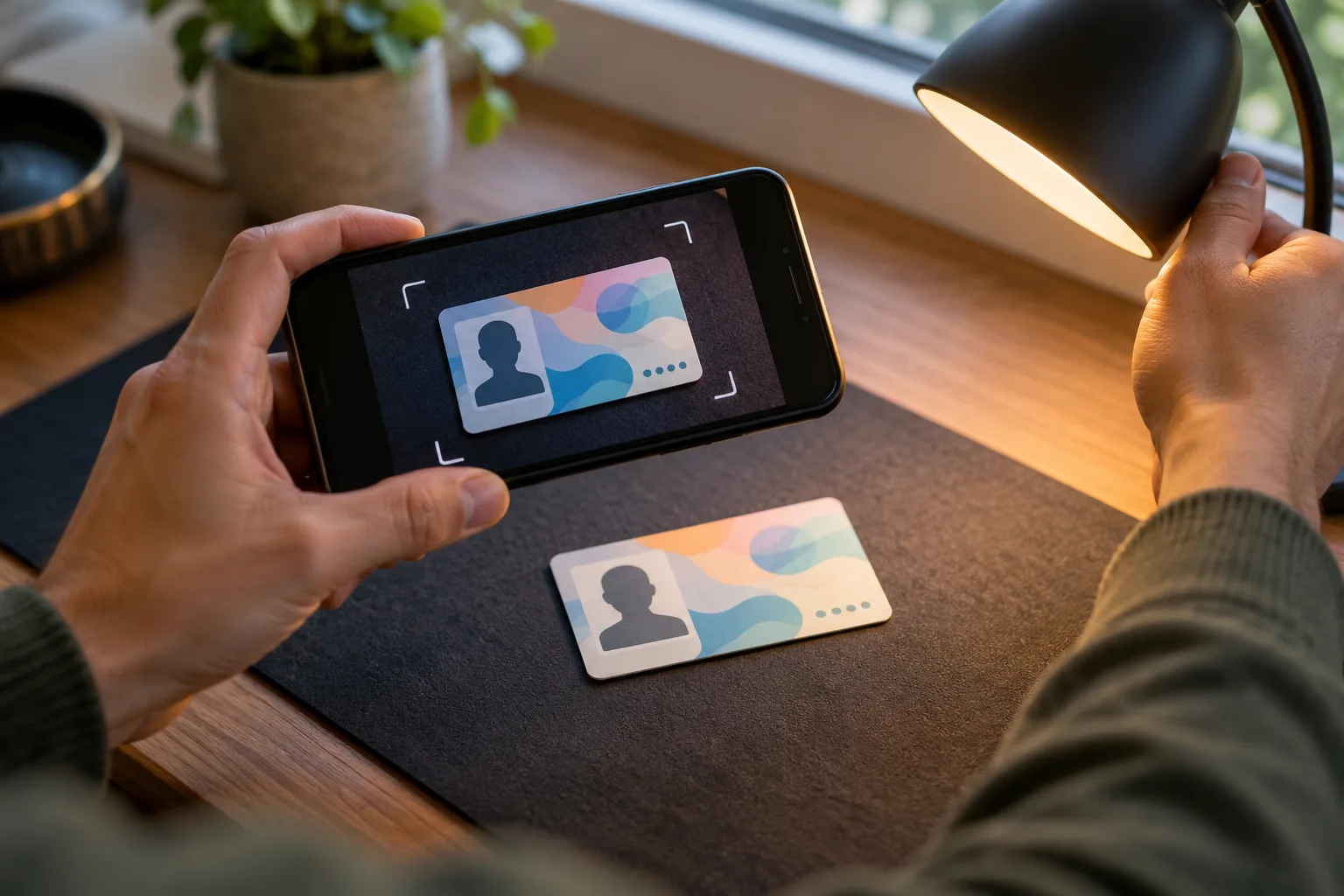
The practical issue is consistency across the gaming account, identity document, and receiving account. A shortened name, old surname, or mistyped detail deserves attention before a payout review. Ask how to correct the record through the authenticated account process.
- Compare your registered name with the receiving account and accepted identity document, including any surname change that may require supporting evidence.
- Check the accepted document list and validity requirements before uploading a passport, driver’s licence, or another form of identification.
- Photograph the complete document clearly, keeping its edges visible and avoiding glare that hides details needed for the verification review.
- Use the account’s designated verification channel, and confirm any external upload destination through authenticated support before transmitting identity documents.
- Keep passwords, wallet PINs, and one-time passwords private; a request for those credentials should not become part of your withdrawal submission.
If a photograph is rejected, look for the stated reason instead of sending the identical file again. An unreadable expiry date requires a clearer image; an account-name mismatch requires a different correction. Repeating the wrong remedy leaves the underlying issue unresolved.
A payout estimate needs a starting point
A quoted processing window is useful only when you know what starts the clock. Submission, verification completion, approval, and transfer release can happen at different times. Check whether the cashier’s estimate includes all those stages or only one.
For a hypothetical example, imagine a request submitted at 9 p.m., approved at 11 a.m. the following day, and credited at noon. The total wait is 15 hours. The interval after approval is just 1 hour, so those figures describe different parts of the same withdrawal.
Neither interval establishes a typical processing time for your account. For a usable estimate, read the withdrawal page for the selected method and confirm how pending verification affects it. Check whether the wording uses calendar hours, business days, or a processing cutoff.
- Identify the event that begins the published processing window, especially when the withdrawal remains under review rather than released for payment.
- Check whether weekends, holidays, or stated service hours affect the estimate, instead of assuming every elapsed hour counts equally.
- Read any maintenance notice for the specific receiving route, and distinguish temporary unavailability from a restriction attached to your account.
- Ask whether additional verification pauses the estimate and whether the clock resumes or restarts after the requested documents are accepted.
- Compare the elapsed time with the applicable window before escalating, keeping the request reference and latest status available for the enquiry.
A message saying a transfer was released narrows the next enquiry, but it does not prove wallet receipt. Ask whether a payment reference is available for tracing. Keep that separate from the gaming account’s withdrawal request number.
When the hold points back to account activity
Some withdrawal obstacles concern the funds being requested rather than the destination. Inspect the transaction’s stated reason and any attached promotion conditions before cancelling the request. Cancellation may change the account state without resolving the condition that caused the hold.
A hypothetical PHP 3,200 displayed balance might contain PHP 2,400 available for withdrawal and PHP 800 restricted by promotion terms. The PHP 800 difference is not automatically a payment failure. Check which balance the withdrawal form actually permits you to request.
If a condition refers to turnover, identify its calculation base. Hypothetically, 10x applied to a PHP 200 bonus means PHP 2,000 of qualifying turnover. That arithmetic alone does not establish eligible games, contribution rates, or whether any other withdrawal restrictions apply.
Do not assume pusoy dos activity qualifies merely because the promotion appears beside the game. Read the eligible-game list and contribution rules. If the same account also records pusoy play, check whether those entries belong to the same wallet and promotion ledger.
A separate possibility is an unsettled game entry that the account still treats as active. Compare the session record with the balance history and ask which entry requires settlement. Playing additional rounds to test a stuck balance introduces more transactions and additional financial exposure.
For example, a disputed PHP 300 adjustment should be traceable to a particular entry or rule. Ask for that connection before accepting a broad explanation about account activity.
Receipt closes the transfer, not the notification
Once the wallet shows an incoming transaction, match it to the withdrawal record. A similar amount arriving from another source can create a false match. Use the destination, amount, timing, and available payment reference together.
- Locate the incoming credit in your receiving wallet’s transaction history, rather than relying exclusively on an SMS message or push notification.
- Compare the credited amount with the cashier’s disclosed net amount, and inspect any separately displayed deduction before treating a difference as unexplained.
- Match the available transfer reference and destination details, then retain a private copy of the completed transaction for your own records.
In a hypothetical PHP 2,000 cashout with a disclosed PHP 20 deduction, the expected credit is PHP 1,980. If PHP 1,950 arrives instead, the unexplained difference is PHP 30. Ask for an itemised explanation without assuming which party applied it.
If the cashier reports completion but the wallet has no matching credit, request the release details needed to trace the payment. Keep essential expenses covered separately while the transfer remains unresolved. A pusoy dos balance becomes usable wallet money only when the receiving account actually credits it.