pusoy highest to lowest: Follow the Deal, Controls and Reveal on Your Phone
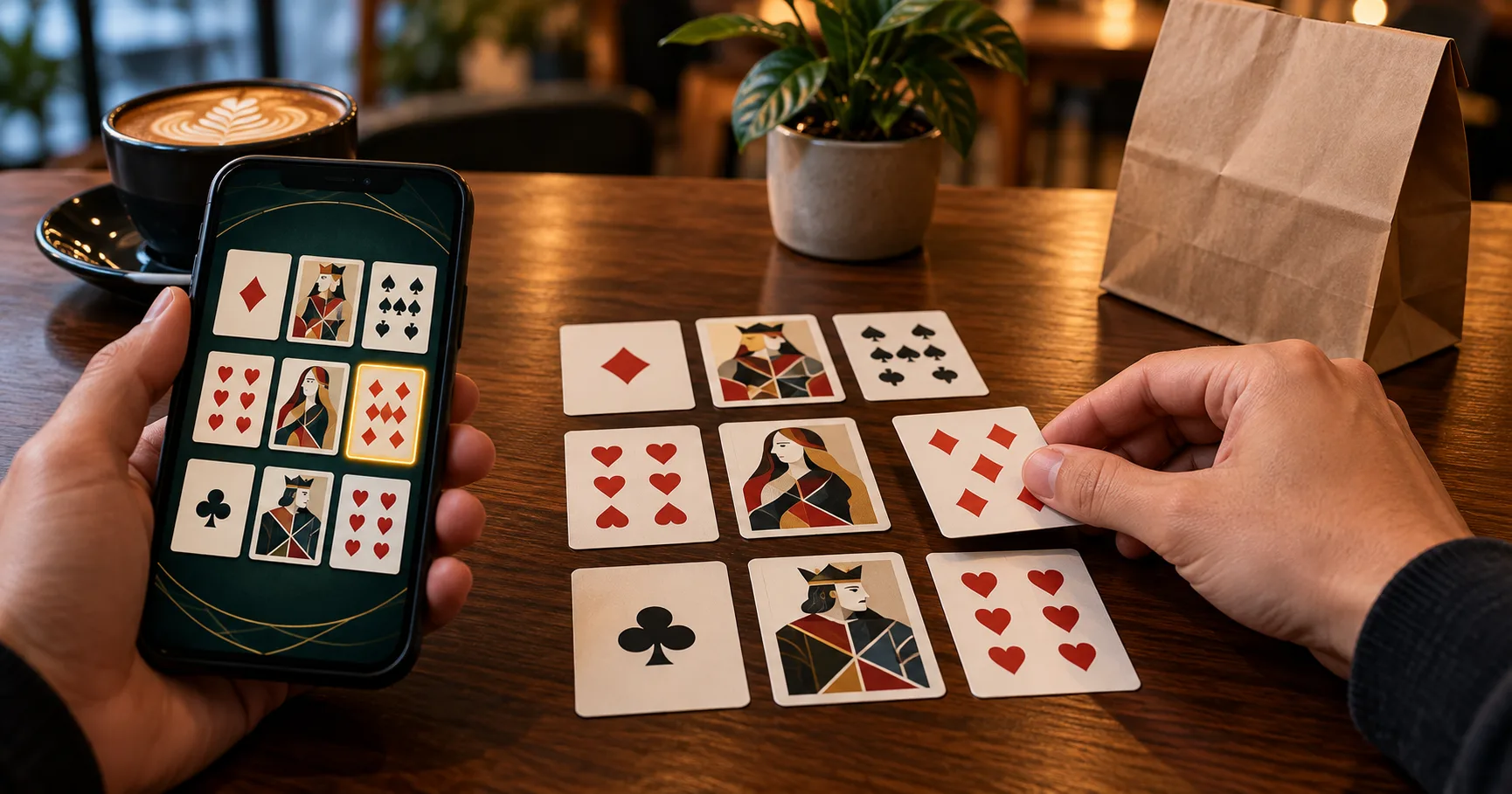
You are waiting for takeaway, using mobile data, and considering a round of pusoy before your order arrives. The important question is whether you can stay through the deal, arrangement and reveal. A round needs more attention than simply opening the app.
In standard 13-card pusoy, you arrange cards into three hands rather than play them individually into a shared pile. Understanding pusoy highest to lowest helps you place those hands correctly. On a phone, you also need to distinguish moving a card from submitting the completed arrangement.
This walkthrough follows that routine from choosing a table to reading the result. Use practice play where available, particularly when a jeepney journey or a pickup queue could interrupt your connection.
Identify the game before entering the table
Pusoy and pusoy dos share familiar card combinations, but their rounds work differently. Standard pusoy deals you 13 cards to divide into a five-card back hand, five-card middle hand and three-card front hand. Each position faces the corresponding position held by another player.
Pusoy dos is a shedding game, where players try to empty their hands through permitted plays. Its card hierarchy belongs in pusoy dos ranking, while its playable groups belong in pusoy dos combinations. Those rules should not be carried into a three-row pusoy table.
That distinction changes your mobile routine. A pusoy arrangement screen requires you to assess all 13 cards together. A pusoy dos screen asks you to respond to the current play. Look at the game description before joining, because a familiar name or card graphic is not enough.
- Look for three hand positions containing five, five and three cards; that layout identifies the arrangement format discussed throughout this walkthrough.
- Read the table rules for scoring, special hands and ties, because those details determine how a completed arrangement becomes a result.
- Check whether the table uses an arrangement timer, automatic submission or automatic sorting, and understand what happens when that timer expires.
- Choose practice play if available, and leave enough uninterrupted time to finish a whole round rather than relying on a short queue.
Read the five-card ladder from the top down
The back and middle positions use five-card poker categories. The table below gives the conventional order, with the strongest category first. A royal flush is the highest straight flush, although guides often display it separately for clarity.
| Order | Hand | What the cards contain |
|---|---|---|
| 1 | Royal flush | A, K, Q, J and 10, all in the same suit. |
| 2 | Straight flush | Five consecutive cards in one suit, such as 9, 8, 7, 6 and 5 of hearts. |
| 3 | Four of a kind | Four cards sharing a rank, such as four queens, plus one other card. |
| 4 | Full house | Three cards of one rank and two of another, such as three kings and two fours. |
| 5 | Flush | Five cards sharing a suit without forming a consecutive sequence. |
| 6 | Straight | Five consecutive ranks, such as 8, 7, 6, 5 and 4, across mixed suits. |
| 7 | Three of a kind | Three matching ranks and two other cards that do not form a pair. |
| 8 | Two pair | Two cards of one rank, two of another, and one remaining card. |
| 9 | One pair | Two matching ranks accompanied by three otherwise unmatched cards. |
| 10 | High card | Five cards that make none of the stronger categories above. |
Category comes before individual card height. A pair of 3s beats an ace-high hand without a pair. Likewise, a low flush beats a high straight under this conventional order. Do not let the appearance of an ace distract you from the complete combination.
Within the same category, compare the cards that define it. A pair of kings beats a pair of queens. When the paired ranks match, the remaining cards, called kickers, can decide the comparison. For a full house, compare the three matching cards before the pair.
Check how the table treats ace-low straights, suit comparisons and exact ties. These details matter when two hands appear close, and local variations can change the outcome. Use the rules panel before the deal starts.
The front row changes what counts as strength
Your three-card front hand cannot make a five-card straight or flush. Under standard pusoy rules, its categories are three of a kind, one pair and high card. Three hearts in front therefore do not become a flush simply because their suits match.
The back hand must be at least as strong as the middle hand, and the middle must be at least as strong as the front. An arrangement that breaks the required order is commonly called a foul. Check the table's comparison rules when equal categories make that order difficult to judge.
For example, placing a pair of aces in front while leaving only a pair of kings in the middle creates an ordering problem. The front pair outranks the middle pair. Moving attractive cards forward can therefore spoil an otherwise useful arrangement.
This is why automatic sorting deserves a second look. Sorting may only organise cards by rank or suit, while an automatic arrangement may actually allocate them across positions. Neither label alone explains whether the app has submitted your choice.
Learn what a tap changes on the arrangement screen
Button names and gestures vary between apps, so read their labels during practice play. The useful distinction is between selecting cards, rearranging them and committing the hand. A highlighted card normally shows a selection state; it does not necessarily mean the server has received a finished arrangement.
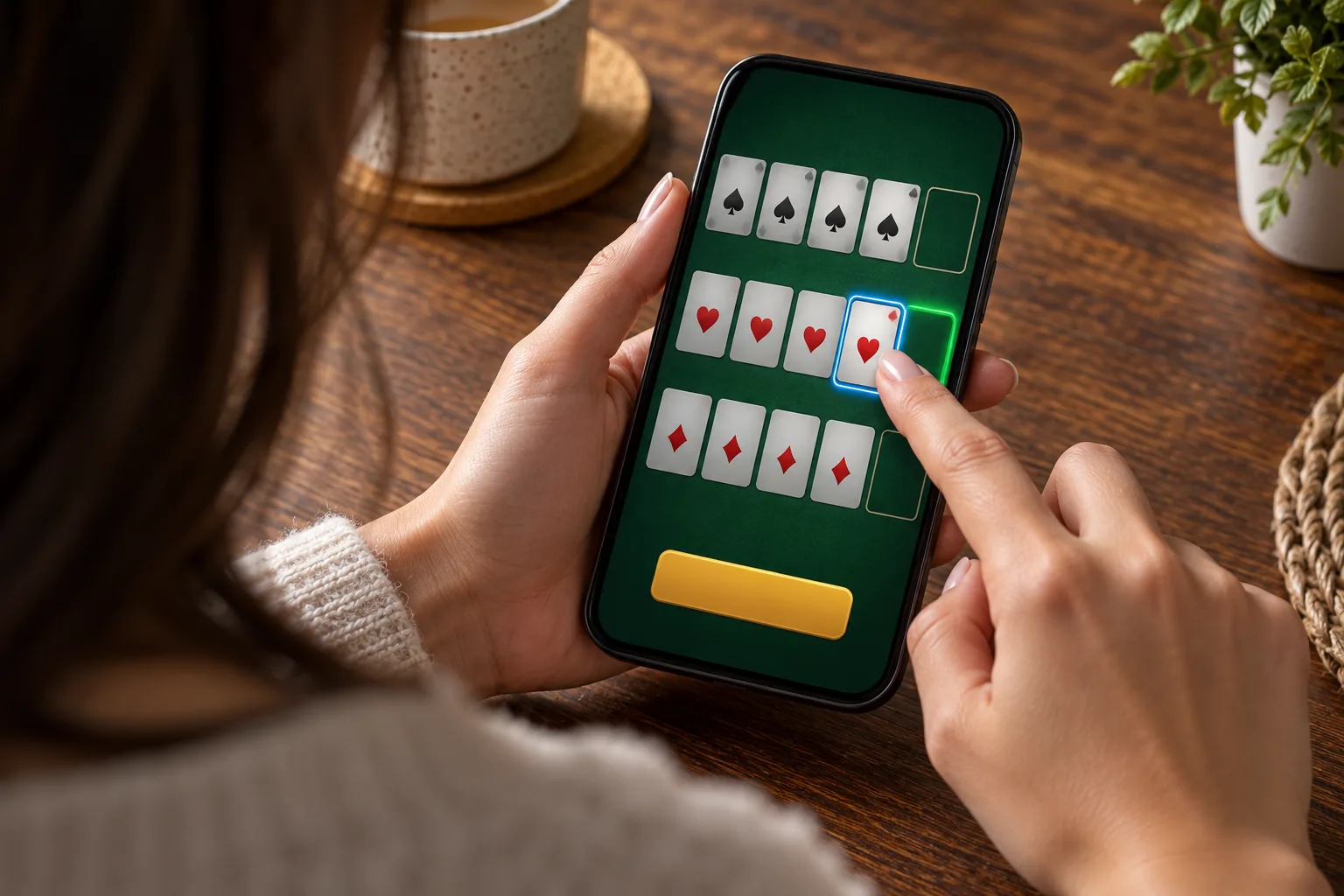
- A card-selection control highlights the cards you intend to move; check the selected group before touching a destination or swapping positions.
- A sort control may reorder your cards by rank or suit, helping you spot pairs without necessarily building the three required hands.
- An arrange or suggestion control may distribute cards between rows; review the resulting strength order instead of treating the suggestion as guaranteed success.
- A reset or clear control may undo your layout, so check its scope before using it late in the arrangement period.
- A submit, confirm or ready control may commit your arrangement; check whether further changes remain possible after the table acknowledges your selection.
On a small screen, overlapping cards make accidental selections easier. Pause after a move and recount the positions: five at the back, five in the middle and three in front. That brief check also catches a card left in an unassigned area.
Walk one deal through to the reveal
Consider a hypothetical 13-card deal containing A♠, A♥, K♣, Q♦, J♣, 9♠, 8♥, 7♣, 6♦, 5♠, 4♥, 3♣ and 2♦. This example demonstrates a valid arrangement, rather than predicting a winning result. Your opponents' cards still determine the comparisons.
- Place 9♠, 8♥, 7♣, 6♦ and 5♠ in the back position, creating a nine-high straight from five consecutive ranks.
- Place A♠, A♥, 4♥, 3♣ and 2♦ in the middle position, where the aces form one pair with three kickers.
- Put K♣, Q♦ and J♣ in front, producing king-high; those three consecutive ranks do not create a standard front-hand straight.
- Review the completed order: the back straight beats the middle pair, and that pair beats the front hand containing no pair.
- Submit the arrangement, watch for acknowledgement, and remain at the table until the reveal shows how each corresponding position compares.
At the reveal, your back hand meets an opponent's back hand, rather than their strongest-looking individual card. Your middle and front hands are compared in the same way. A valid arrangement can still lose all three comparisons.
Suppose an opponent reveals a ten-high straight at the back, kings paired in the middle and ace-high in front. Your nine-high straight loses the back comparison, your aces win the middle, and your king-high loses the front. Read the scoring panel for the resulting points or settlement.
Do not translate those comparisons into a fixed PHP amount without checking the table's scoring structure. Sweeps, special combinations and other table rules can affect settlement. The result panel should connect the hand comparisons to the amount recorded.
Handle a connection change without losing track of the round
Moving from indoor Wi-Fi to mobile data can interrupt the connection while your phone changes networks. A frozen arrangement screen does not establish whether your submission arrived. Repeated taps cannot reliably answer that question.
If your food arrives or your ride starts moving, finish the current round before deciding whether to enter another. A brief session is easier to control when its stopping point is between rounds. Check whether the table automatically deals again or offers a sit-out control.
- If the screen stalls after submission, use the app's reconnect option where available and check whether the same round returns with your arrangement recorded.
- If reconnection opens the lobby, inspect round history before joining another table, looking for the completed hand, result and any timeout action.
- If the arrangement timer expires, read the recorded outcome and table rules to establish whether automatic placement, forfeiture or another stated procedure applied.
- If a GCash or Maya transfer is also pending, compare its transaction status with the cashier record before considering another payment attempt.
- Before leaving, use sit out or leave where available, then confirm that another deal has not started and the finished result is recorded.
An e-wallet confirmation concerns the payment, while a round result concerns the game. Keep those records separate when checking what happened. Once the deal, submission and reveal are clear, you can decide whether your remaining time and connection suit another round.