pusoy meaning when an error message sends you to support
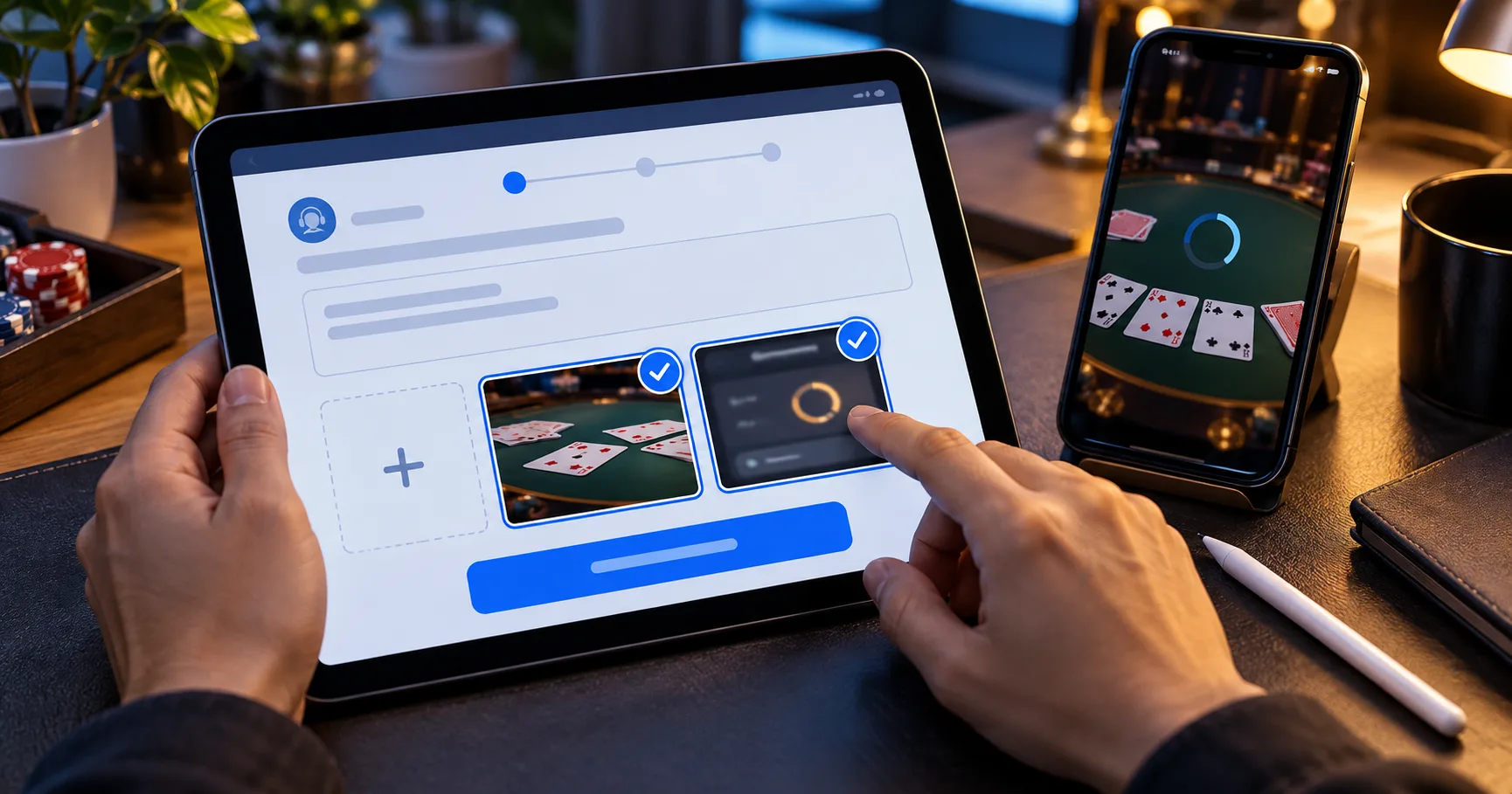
You are midway through a weekend pusoy session when the table stops responding, but your GCash payment history still shows a completed transfer. The game screen and the wallet now tell different stories. Before tapping again, separate the unfinished hand from the payment and record what each screen actually shows.
Understanding pusoy meaning helps you describe the game involved, but a useful complaint needs a specific event. Was a hand rejected, a result disputed, or a deposit absent from the balance? Each problem needs different evidence, even when all three appear during the same session.
A message such as “processing” describes a status. It does not, by itself, promise a refund, cancel a hand, or explain where a payment stopped.
Identify which part of the session needs an answer
In Filipino card-game usage, pusoy commonly refers to a game where players arrange 13 cards into three hands. Pusoy dos is a different game, built around playing combinations and getting rid of cards. That distinction matters when support reviews an “invalid hand” complaint: an arrangement problem and a rejected play require different explanations.
Use the exact game title displayed in your history. If your complaint concerns the order of cards in pusoy dos, consult pusoy dos ranking alongside the table's own rules. For a rejected grouping, pusoy dos combinations helps identify what you attempted to play. Neither reference establishes whether the server accepted your action.
- For a pusoy arrangement dispute, save the complete 13-card layout and the rule explaining how the three hands must compare.
- For a pusoy dos rejection, capture your attempted combination, the previous play, and any message explaining why your turn failed.
- For a GCash or Maya deposit issue, record the payment reference separately from the game round identifier and support ticket.
- For a withdrawal complaint, preserve the request status and the balance entry showing whether the requested money was deducted.
This separation prevents a broad complaint from hiding the actual question. “My PHP 300 deposit is missing” asks support to trace a transaction. “My final arrangement was not accepted” asks for the recorded game action. Combining them without explanation can leave one issue unanswered.
Read status messages as narrow statements
Suppose your wallet displays “successful” while the deposit page displays “pending.” These hypothetical labels refer to different records. The wallet label alone does not establish that the gaming balance received the credit. Ask support to match the payment reference to the corresponding account entry.
The same caution applies to a frozen table. A loading indicator does not show whether your last action reached the server. Moving from Wi-Fi to mobile data may restore your view, but it cannot establish what happened during the interruption. The round history and applicable disconnection rules are the records to request.
- When a message says “processing,” check which transaction it describes and whether the cashier page gives a review period or next step.
- When a message says “failed,” compare the wallet history and account ledger before treating the original payment attempt as cancelled.
- When a message says “resolved,” open the ticket response and identify the actual outcome, such as a balance correction or explanation.
- When a message says “disconnected,” save the round identifier and check the table rules for timeouts, automatic actions, and settlement.
A courteous reply can still leave the central issue open. “We have forwarded your concern” confirms a handoff, not a correction. Ask what record is being checked and whether you need to send anything else. Keep the reply inside the existing ticket.
Build a record that survives until your next session
A player who stays online for a long Saturday session may notice a balance difference only near the end. By Sunday, several similar hands and transfers can blur together. Capture the disputed event when it appears, then keep the evidence together until the case closes.
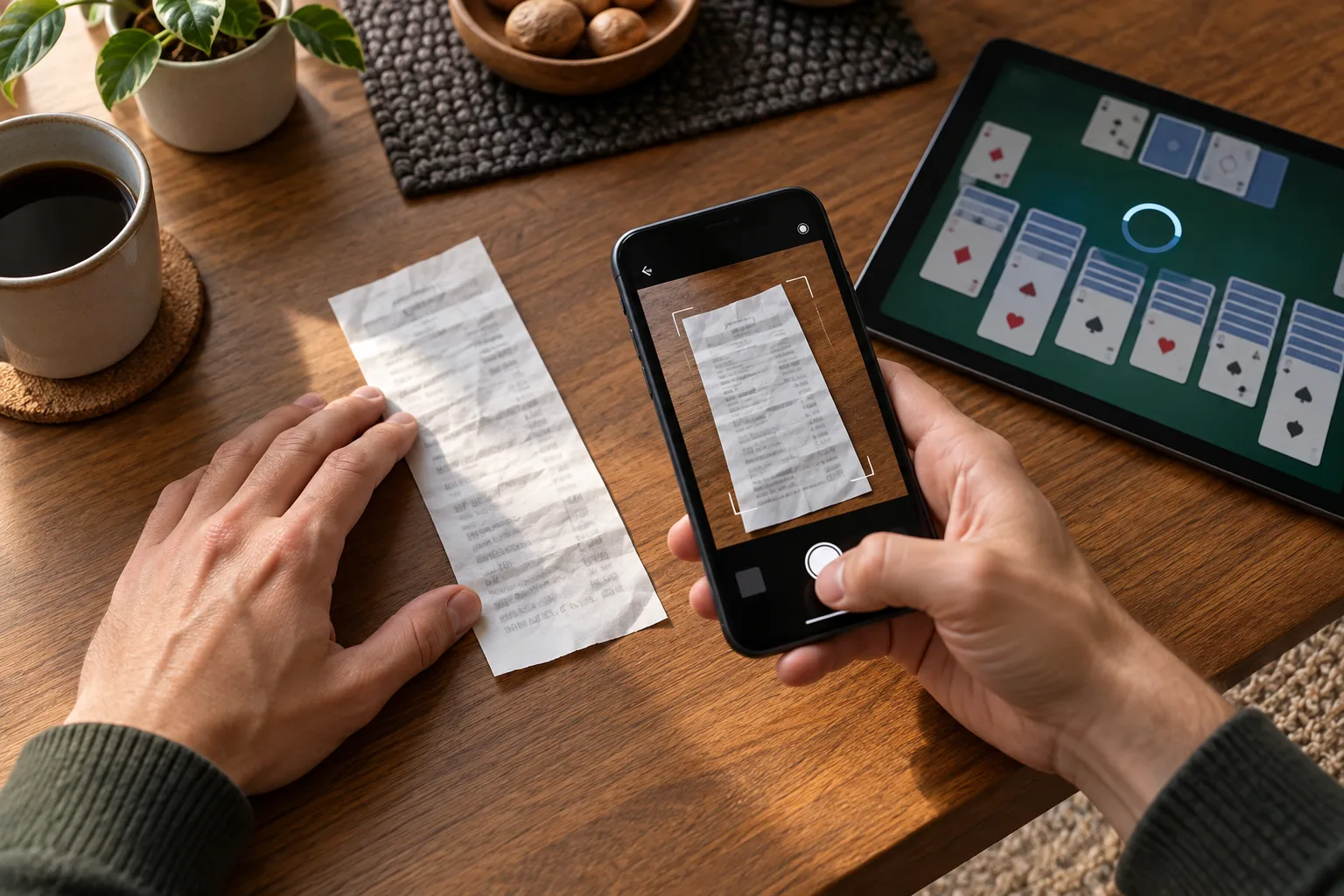
Use Philippine time consistently when writing your timeline. For example, a hypothetical note could read: “Saturday, 9:14 p.m. PHT: PHP 300 left Maya; 9:17 p.m.: deposit page still pending.” Those times describe observations, not a promised processing window. Include the calendar date in the actual report.
- Capture the game or cashier screen with its visible status, round identifier, and relevant balance before closing the affected view.
- Save the GCash or Maya transaction detail showing the amount, reference, recipient information, and time relevant to the disputed transfer.
- Write a short timeline connecting your last confirmed action, the interruption, and the first status you observed after reconnecting.
- Keep the original screenshots privately, then create redacted copies that hide unrelated transactions and unnecessary personal information before sharing.
- Record the support ticket identifier and each substantive reply so your next weekend session does not begin with reconstructing the complaint.
If you paid through a payment centre, retain the receipt as well. Photograph it clearly before the print fades, keeping the reference and amount readable. A receipt is useful evidence of the payment attempt; it does not independently prove that the game balance was credited.
Send evidence through the support route linked inside your account or on the operator's own contact page. Never include your wallet PIN, password, or one-time password. If identity verification is requested, check the destination and use the designated secure upload process.
Give each support team a question it can investigate
Start a game-result complaint through the game's official support channel. Ask which action the round record accepted and which rule produced the outcome. For a wallet-side transaction problem, use the help route within GCash or Maya. Give each team the reference relevant to its own record.
A hypothetical first report might say: “My PHP 300 Maya payment at 9:14 p.m. PHT appears completed in the wallet, but my deposit history remains pending. Please trace the reference shown in the attachment and confirm whether the account received the credit.” Add your actual transaction date and identifier.
For a disputed pusoy hand, replace the payment details with the round identifier and the decision you challenge. Ask whether the recorded layout matches your screenshot. If it differs, request an explanation of the acceptance time or timeout rule. That gives support something concrete to compare.
Ask for the expected review window and where updates will appear. If live chat closes, retain the transcript and ticket identifier before leaving. When support asks for another screenshot, clarify which missing field it needs. Repeatedly sending the same cropped image rarely adds useful evidence.
Audit the answer against the disputed amount or hand
A resolution should connect the evidence to a specific outcome. For payments, that means identifying a credit, reversal, rejection, or another explained status. For a hand dispute, it means explaining the recorded action and the rule applied. A generic apology does not make that connection.

Consider a hypothetical ledger with PHP 500 before a PHP 300 deposit. With no other transactions or play, a credited deposit would produce PHP 800. If you continued playing, the closing balance alone cannot establish whether the deposit arrived. Compare the separate deposit entry and subsequent game entries.
- If support confirms a credit, locate the matching PHP 300 entry in your history rather than relying only on the current balance.
- If support confirms a reversal, request its reference and check the originating wallet for the corresponding returned amount before closing the case.
- If support upholds a hand result, compare its explanation with the recorded cards, accepted action, and rule applicable to that table.
- If support rejects the complaint, ask which evidence supports that decision and which formal review route is available for the same case.
When the explanation conflicts with your evidence, identify the precise mismatch. “The reply addresses a different round identifier” is more useful than resending the whole complaint. Keep the original ticket reference when requesting further review, and check the published complaints procedure for any submission deadline.
Leave an unresolved case ready for follow-up
Before your next longer session, check the ticket and transaction history. Do not make another deposit merely to test whether the first one will appear. A second transfer creates another event to trace and does not answer what happened to the original payment.
If the stated review window passes, follow up with the ticket identifier, the unresolved question, and any genuinely new evidence. Ask for the next review step. Keep the case open in your own notes until the explanation matches the records or the available review process has concluded.
You do not need to keep playing while a dispute remains unresolved. A clear stopping point preserves your attention and makes later balance comparisons easier. The useful outcome is a traceable answer about the payment or hand, with enough detail to check it yourself.