Wheel Announcements and Disputed Spins: What the Words Actually Confirm
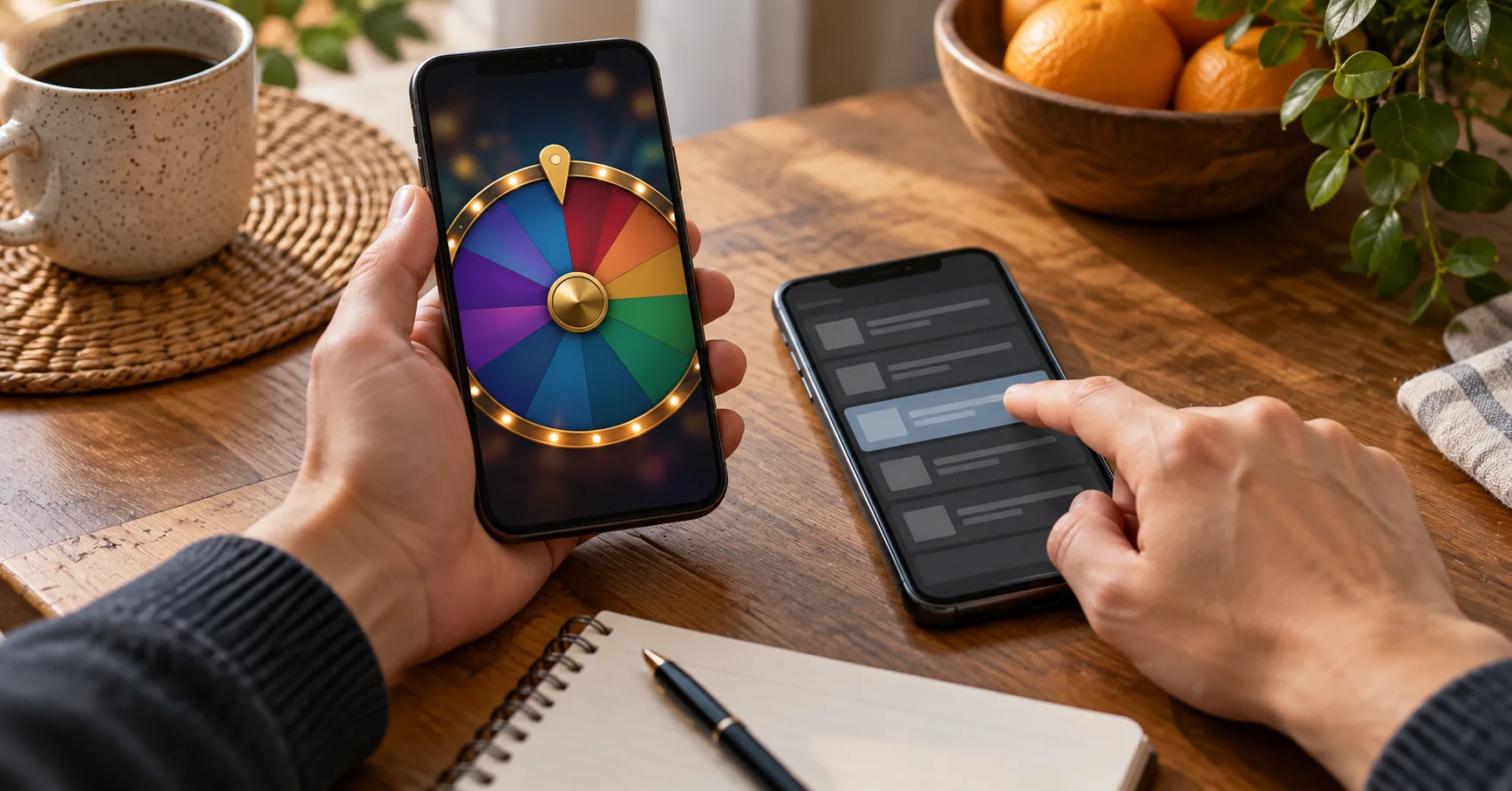
A missing Wheel result can leave your balance looking wrong before you know whether the spin finished. That is especially frustrating during a longer Saturday session, when several rounds may already be in your history. If a service announcement appears, read its exact scope before retrying the round or sending another cash-in. The announcement may identify an issue without resolving your particular stake.
As of 1 October 2026: No specific Wheel announcement or operator policy was supplied for this article. The notice and figures below are illustrative; check the current message in your own account.
Read the claim inside the announcement
Suppose an illustrative notice says that Wheel rounds between 21:00 and 21:20 are being reviewed. It tells you which rounds may need checking, but it does not establish that every spin in that period failed. Nor does it promise a refund, confirm a win, or give a date for a decision. A round started at 20:55 may have a different record from one started at 21:05, even if both appeared on your screen after 21:00.
For a weekend player, the useful question is whether the notice describes the same game, time, and symptom as your case. Read these parts separately:
Check whether the notice names Wheel itself, a wider game category, payments, or account access; each points to a different record.
Compare the stated time window with your round timestamp, allowing for the possibility that your phone and account display different times.
Look for the exact symptom described, such as a loading result, duplicate debit, unavailable history, or delayed balance update.
Record what the notice says will happen next, including whether players must contact support or wait for an account update.
Save the notice before it disappears, with its date and visible wording intact, so support can identify the version you saw.
A notice about delayed cash-ins would not explain a Wheel result that vanished after the stake was accepted. Likewise, a Wheel review does not prove that a GCash or Maya transfer failed. Keep the notice as context for your report, then use your own records to show what happened to your round.
Separate the spin from the cash-in
Consider a hypothetical Saturday session that starts with PHP 500 in the game account. You make eight Wheel stakes of PHP 20, so PHP 160 in stakes has passed through those rounds. If the displayed balance is PHP 340 when the eighth result stalls, that figure alone cannot tell you whether the final PHP 20 stake was accepted or whether its result was recorded. You need the transaction history around that specific round.
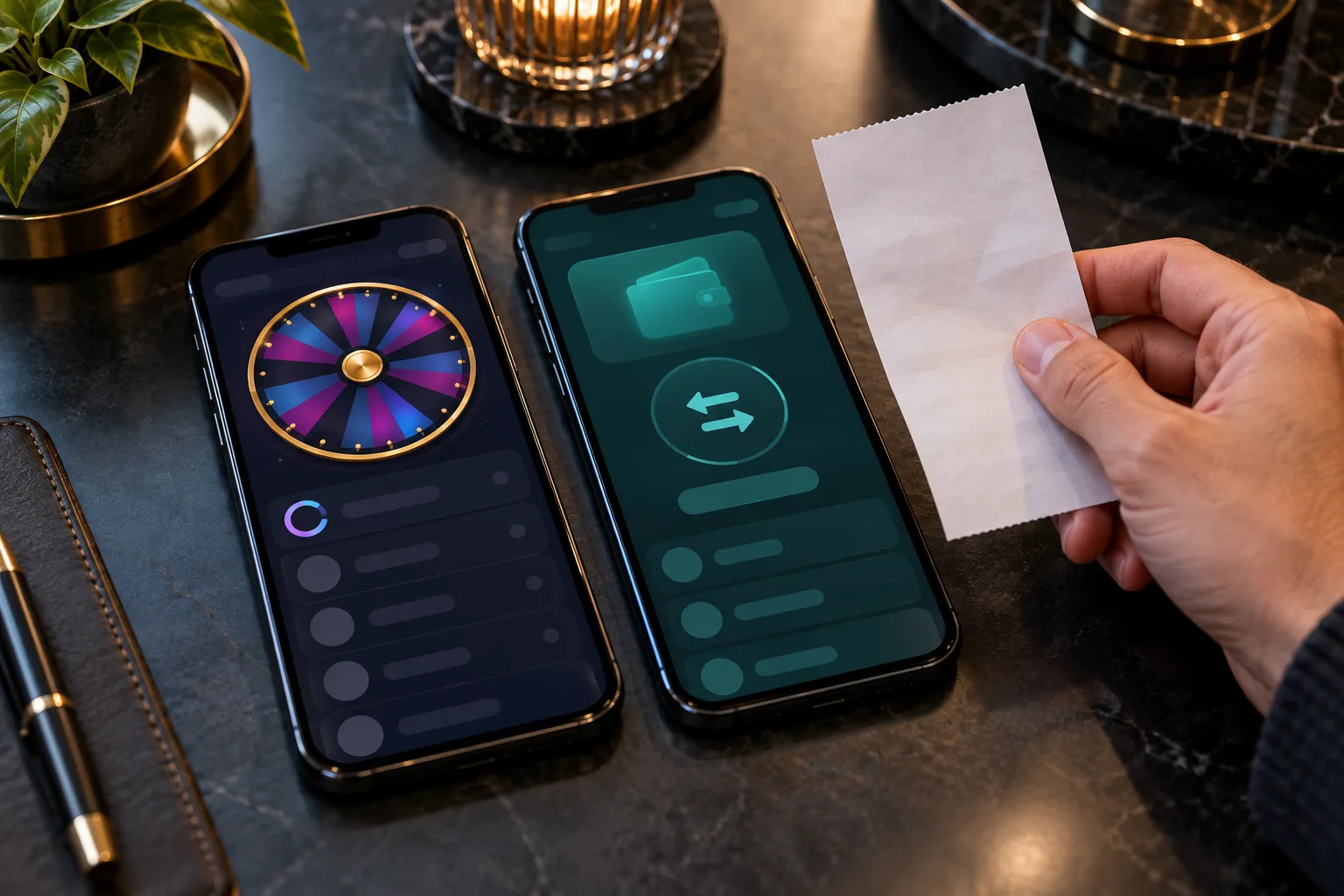
A GCash or Maya receipt answers a different question: whether money left your e-wallet for a cash-in. It cannot establish the result of a later Wheel spin. The same distinction matters when you fund an account through a payment centre, because its receipt documents the payment rather than the game's outcome. Gather these records before a phone refresh, data switch, or later session makes the sequence harder to reconstruct:
Capture the Wheel screen showing the stalled result or unusual balance, while keeping the time and any round identifier visible if available.
Save the game history entries immediately before and after the disputed spin, including stakes and displayed outcomes rather than only the total balance.
Keep the GCash, Maya, or payment-centre receipt only if the dispute also involves a cash-in, and preserve its reference details privately.
Note whether you were on mobile data or Wi-Fi when the screen stalled and whether a reconnect changed the displayed state.
Write down your own sequence in order: the last completed round, the disputed stake, the stalled screen, and any later update.
In that PHP 500 example, the distinction is worth PHP 20 even before any possible result is considered. If a later history entry shows the round completed, the question becomes whether its recorded outcome matches the balance movement. If no round appears, support needs to establish whether the stake was accepted at all. Do not infer either answer from a frozen animation.
Make the support request narrow enough to answer
Open the support route shown in your account or the relevant notice. Give the date, approximate time, game name, stake, and any available round identifier. For example, an illustrative report could say: “At about 21:07 on Saturday, my PHP 20 Wheel round stopped on a loading result. My balance changed from PHP 360 to PHP 340, and I cannot find a completed result in history.” Those figures are an example, not the terms or records of a real game.

Attach the notice and the two or three screenshots that establish that sequence. If your concern is also a PHP 300 cash-in, say so as a separate issue and include its e-wallet reference through the account's support channel. Avoid posting a full receipt, account details, or identification documents in a public comment. A focused request lets support check the disputed round without mistaking it for a payment delay.
If the stake used Bonus credit or Free Credits, state which balance was shown at the time. That detail can affect how a returned stake appears in the account, but an announcement alone does not establish any credit rule. Ask support to identify the applicable account record and rule instead of assuming that a returned amount must appear in the cash balance.
Check the reply against the round record
Support may confirm a completed round, identify a round that was cancelled, correct a balance display, or request more information. These are possible outcomes, not promises. A useful reply should identify the round or transaction it addresses and explain the balance movement. A generic statement that “the issue is resolved” leaves the central question unanswered if your history still differs.
Compare the reply with the evidence you saved:
Match the round identifier or timestamp in the reply to your disputed Wheel spin, especially if you played several PHP 20 rounds nearby.
Compare the recorded stake and outcome with the balance immediately before and after that round, using the same balance type in both views.
Check whether a stated reversal appears as a separate entry or as a corrected balance, and note the amount actually shown.
If the reply discusses a cash-in, compare its reference with your GCash, Maya, or payment-centre record before accepting it as the spin's answer.
Suppose the illustrative PHP 20 stake is reversed and the account moves from PHP 340 to PHP 360. That movement would account for the stake, but it would not by itself establish what result the unfinished animation might have shown. If support instead says the round completed, ask where its outcome appears in history and how the resulting balance was calculated. Keep the question tied to the record you can compare.
Keep one case open until the difference is explained
If the answer does not match your screenshots, reply in the same support thread with the remaining difference. State, for example, that support identified a 21:12 round while your screenshot shows a 21:07 stake, or that a PHP 20 reversal has not appeared in the balance type they named. This gives the next reviewer a specific discrepancy to investigate.
Save the case reference and a copy of each reply. A second message may be necessary after new history appears, but repeated reports about the same spin can split the evidence across conversations. If support asks for a clearer screenshot or a payment reference, provide only what relates to that request through the account's support channel. You can also ask what record or policy supports the decision when the reply gives a conclusion without explaining it.
During a long weekend session, stop treating the disputed amount as spendable until you can reconcile it. If PHP 20 remains unresolved, calculate any further play from the balance you can verify, not from a hoped-for reversal. That small pause prevents a second round from obscuring the first one's balance trail.
What the announcement still cannot decide
A service announcement can tell you that an issue is known, which players or times may be affected, and where updates will appear. It cannot substitute for your individual Wheel record. Even a notice that says reviews are complete does not show whether your round was included, how your stake was handled, or why your balance changed. Those answers belong in the account history or a case-specific support reply.
Before your next Friday or Saturday session, keep a simple habit: note your starting balance and check recent Wheel history after any stalled result. E-wallet receipts remain useful for cash-in questions, while screenshots and round identifiers are more useful for spin questions. Reading the announcement precisely helps you send the right evidence and recognise whether the eventual answer addresses your actual dispute.