Wheel Cash-In on Mobile Data: GCash and Maya During a Rain Advisory
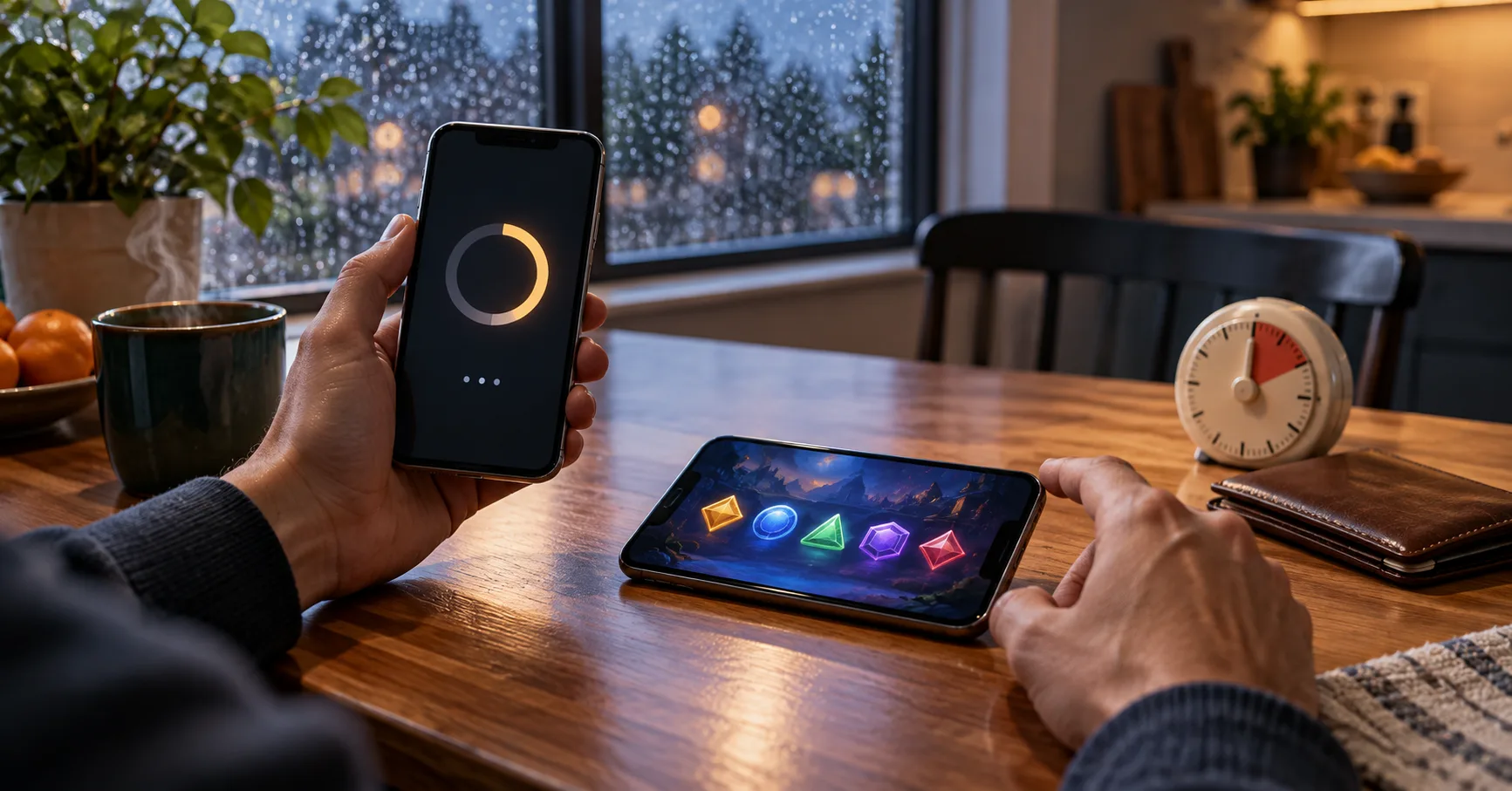
On 26 September 2026, a trending news snapshot carried an Inquirer News report forecasting heavy rain in Metro Manila and parts of Luzon.
The forecast does not establish that GCash, Maya or any Wheel payment service is down. It does give a mobile-only player a reason to check the conditions around a short session: mobile data may be unreliable at the place and time they intend to play, and travel to a payment centre may be inconvenient. A player outside the forecast areas, or one with a stable connection and an already funded account, may have no reason to change plans.
If you are in an affected area, check your connection before sending money, leave time to confirm the result, and postpone a cash-in if you cannot reliably receive a wallet notification or reopen the game account. As of 26 September 2026, this advice responds to a forecast, not a confirmed payment outage; conditions may change after that date.
What a Wheel cash-in has to accomplish
A Wheel session needs more than a completed tap in an e-wallet. The payment must reach the destination shown by the game account, appear in the playable balance, and leave enough time for the player to check what happened. Those are separate observations. A wallet receipt proves what the wallet recorded; the game balance shows what the account currently makes available.
For someone playing between errands on mobile data, the difference matters. A transfer that is still pending can consume the whole break, while a second transfer made in haste can leave more money committed than intended. Plan the payment before opening the Wheel screen, and treat an unconfirmed balance as unavailable. The next spin should depend on what the account actually shows, not on what the player expected the transfer to do.
Set an amount that fits both the wallet and the break
The live cashier is the place to find a deposit minimum, accepted route and any stated charge. None of those figures can be assumed for a particular Wheel platform. A minimum is a threshold for that payment route, not advice about how much to spend. If the minimum exceeds the amount you wanted to put at risk, the sensible result is to skip that cash-in.
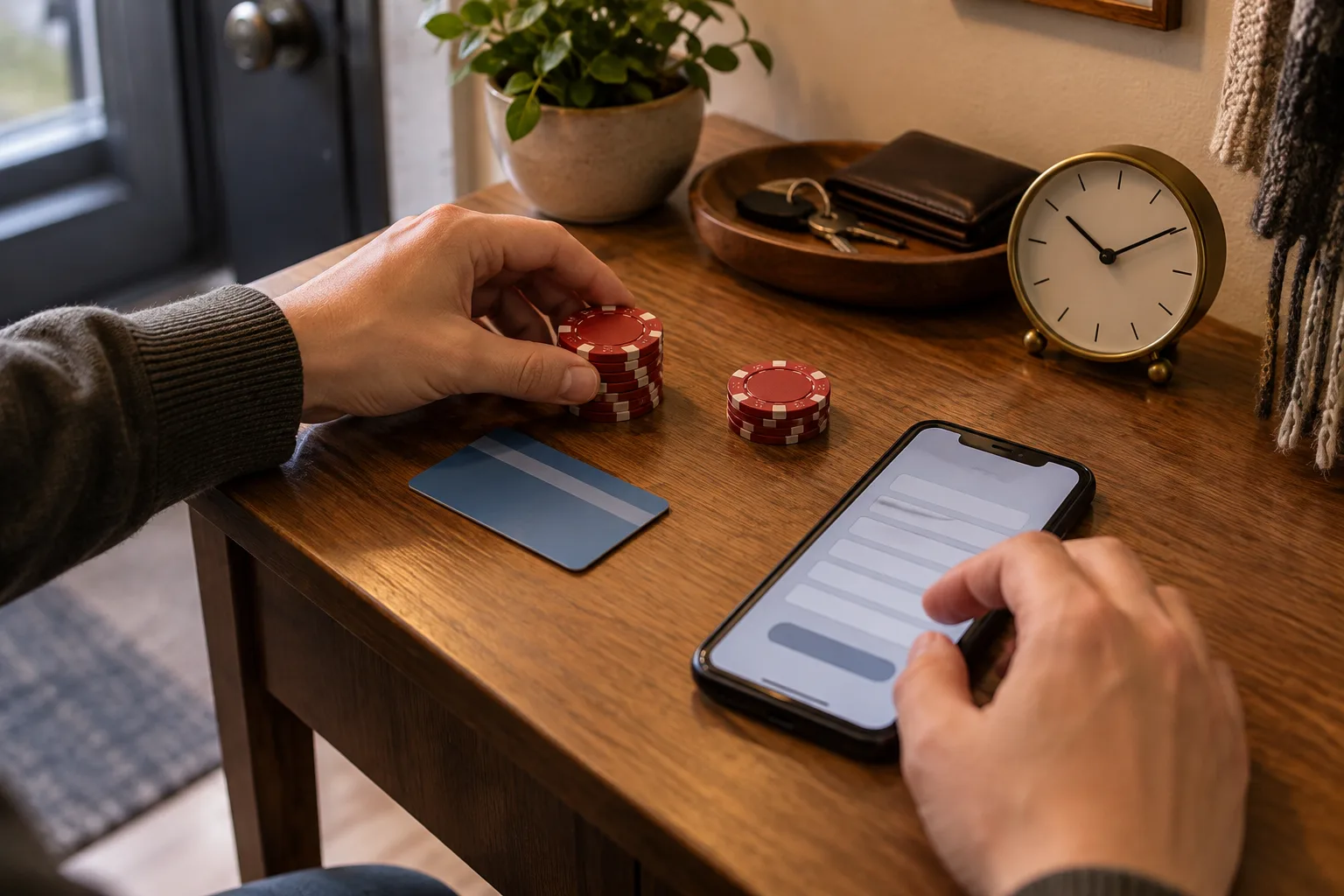
Consider a hypothetical player with PHP 500 in Maya who wants to keep PHP 300 for transport and meals. That leaves PHP 200 as the maximum planned cash-in. If a sample cashier requires PHP 250, this player has not found a suitable route; moving the reserved PHP 50 would defeat the original limit. If a hypothetical PHP 10 charge comes out of the PHP 200, only PHP 190 may arrive. The actual screen must show whether a charge exists and which balance bears it.
Read the current minimum beside the chosen GCash or Maya route before entering an amount, because another route may have different conditions.
Check whether the displayed amount is what leaves the wallet or what reaches the game account after any stated charge.
Keep transport, food and other essential money outside the planned Wheel amount, even when the cashier accepts a larger deposit.
Compare the intended cash-in with the time available; a brief break may end before a delayed payment becomes playable.
Save the amount you approved and the wallet transaction reference so you can describe a mismatch without guessing later.
Payment centres add a separate step when the wallet itself needs funding. A player may be able to load an e-wallet through an available centre, then make the game payment from the wallet. Availability, charges and opening hours need checking at the centre or in the wallet before leaving. That extra trip rarely fits a ten-minute break.
Follow the payment through three visible states
On a phone, it is easy to mistake a loading animation for a completed transaction. Treat the process as three states: the game presents a payment request, the wallet records an outcome, and the game account displays the resulting balance. A delay between those states does not, by itself, identify which service is responsible.
Open the cashier inside the account and select its current e-wallet route, checking the recipient details presented there rather than an old screenshot.
Enter the amount once, then review the wallet confirmation screen for the same amount and destination before authorising payment.
After authorisation, wait for the wallet result and retain its reference or receipt if the wallet provides one.
Return to the game account and refresh the balance once on a working connection before assuming the cash-in is ready.
If the two records differ, stop payment attempts and use the account support route with the amount, time and wallet reference.
This sequence is particularly useful when rain or a crowded network makes a page slow to respond. A spinning icon is a reason to pause, not evidence that nothing was sent. Reopening the wallet transaction history is more informative than repeating the payment. If the wallet shows no completed transfer, follow its status instructions; if it shows completion but the game balance has not moved, preserve both views for support.
Give a short session a stopping point
There is no universal number of minutes between authorising an e-wallet payment and seeing a playable balance. A wallet confirmation can arrive before the game account updates, and an interrupted mobile session may need a fresh login. Check the live status rather than treating any suggested time as a promise.
A personal deadline still helps. Suppose the player has 15 minutes before boarding transport and decides to spend no more than three minutes checking a cash-in. If the balance remains unchanged at that point, the player can close the game and investigate later. The three minutes are a decision rule for this hypothetical player, not an expected processing time for GCash, Maya or Wheel.
Opening Wheel only after the account balance is visible also makes the session easier to follow. Keep the intended stake and stop time separate from the cash-in amount. A PHP 200 deposit need not become PHP 200 of immediate play, and an unexpected wait does not justify trying to recover time with larger spins. Short bursts work best when the player can put the phone away without needing to finish a payment check mid-journey.
If a screen stalls, identify the last confirmed step
A stalled screen creates uncertainty, but the useful question is narrow: what was the last completed state you can actually see? If the game still shows a payment request, the wallet history may establish whether money moved. If the wallet shows a completed transaction, the game account balance and transaction history become the next records to inspect. Screenshots can help, provided they exclude passwords and one-time codes.
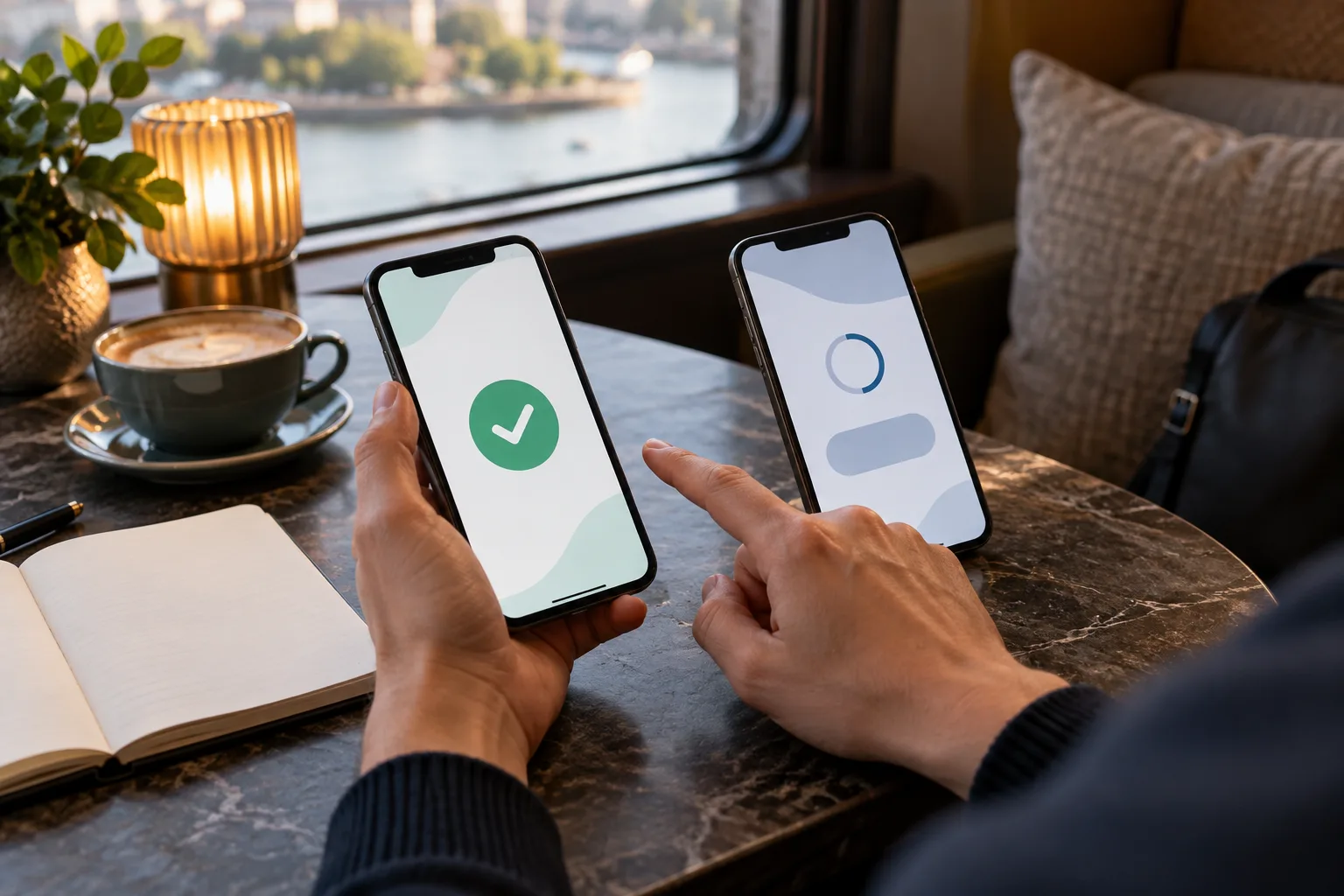
Use the same phone carefully when switching between GCash or Maya and the game. A wallet app may return to the home screen, a browser tab may reload, or mobile data may briefly disappear. None of those events alone proves a duplicate charge or a failed deposit. Check the transaction reference and amount before retrying anything.
Look for a completed, pending or failed status in the wallet history, and note the time shown for that specific transaction.
Check the game account balance and its payment history after reconnecting, rather than relying on the page left open earlier.
Compare the amount and reference across both records, allowing for any charge clearly shown before you approved the payment.
Contact the relevant support channel with the two records if the status remains inconsistent after the stated on-screen guidance.
Keep one-time codes, passwords and full account credentials out of screenshots and support messages, even when asking about a delayed cash-in.
If the account includes a Bonus balance, distinguish it from deposited cash before deciding what is available for Wheel. Likewise, existing Free Credits should not be treated as proof that a new GCash or Maya transfer succeeded. The account may display several balances with different conditions; read their labels and applicable terms before playing or requesting a cash-out.
Check the return route before the first spin
Funding is only half of the payment journey. Before playing, look at the account’s current withdrawal options, identity checks, minimum request amount and any conditions attached to the balance you intend to use. Those details can differ from deposit instructions. A successful GCash cash-in does not establish that a later cash-out will use GCash, or that it will be available at the same moment.
For a mobile-only player, this check also protects the end of a short session. If a withdrawal request needs a stable connection, a document upload or a confirmation message, it may be better handled later in a settled location. That is a planning choice, not a claim that rain changes a platform’s rules. Keep the payment reference until the account record is clear, then decide whether the remaining time is enough for Wheel at all.
The practical test is simple: can you see the amount you meant to send, the balance available to play, and the route for taking out any eligible balance? If one answer is missing, resolve it before making another transfer or spin. A short break is still useful when it ends with a clear record instead of an uncertain payment.